Maximise your rewards effortlessly. Follow these brief steps to seamlessly access your loyalty benefits right from your iPhone.
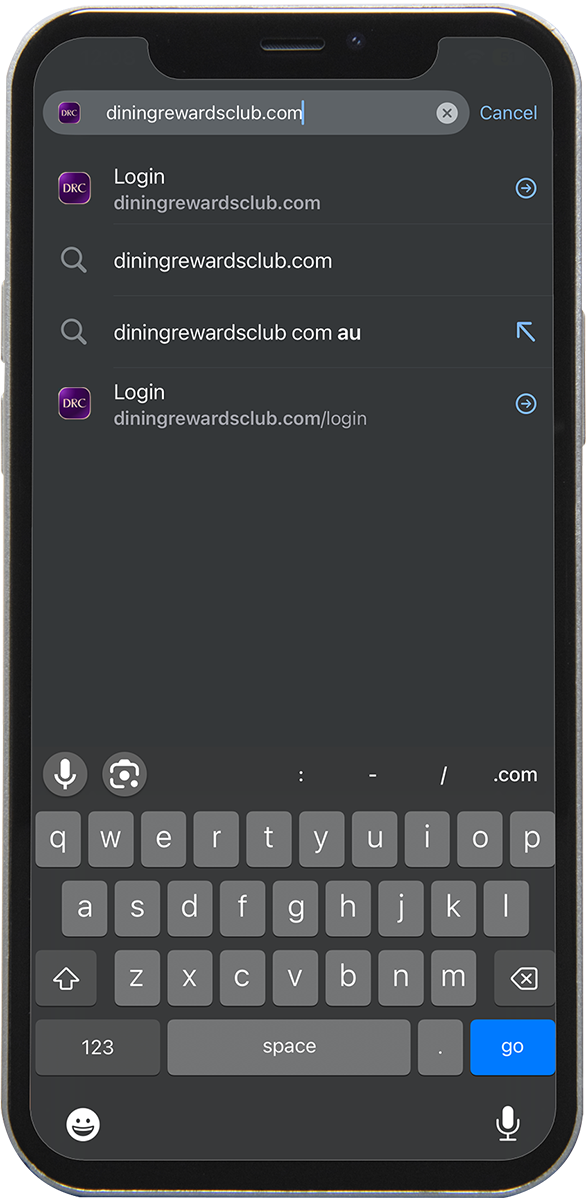
On your iPhone, click diningrewardsclub.com.au or open a Safari browser and search for Dining Rewards Club.
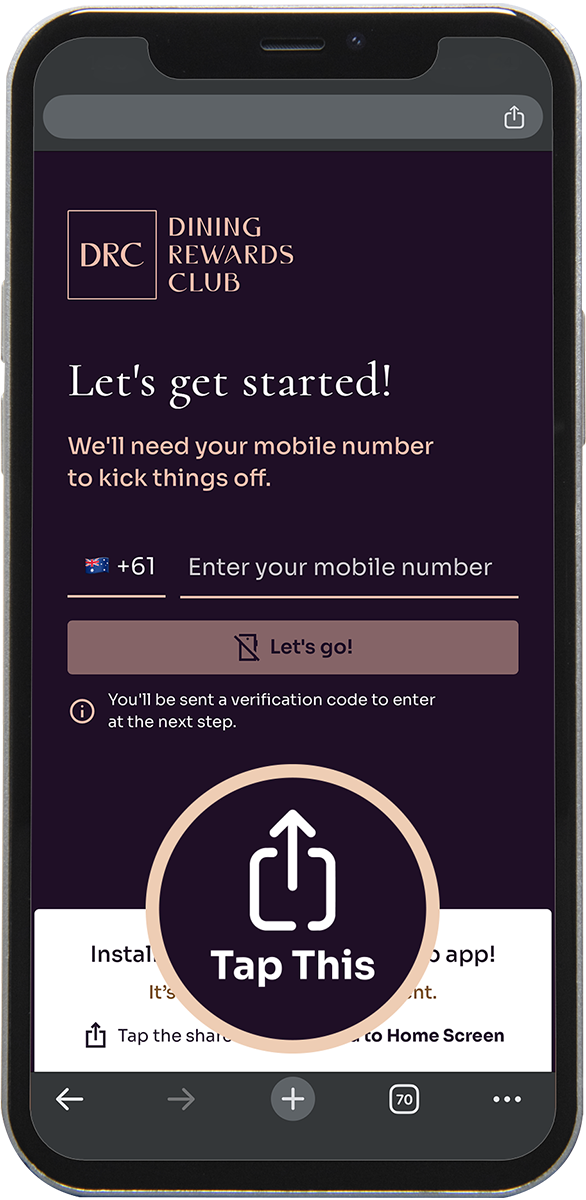
On the browser menu along the bottom of your screen, click on the ‘share’ icon.
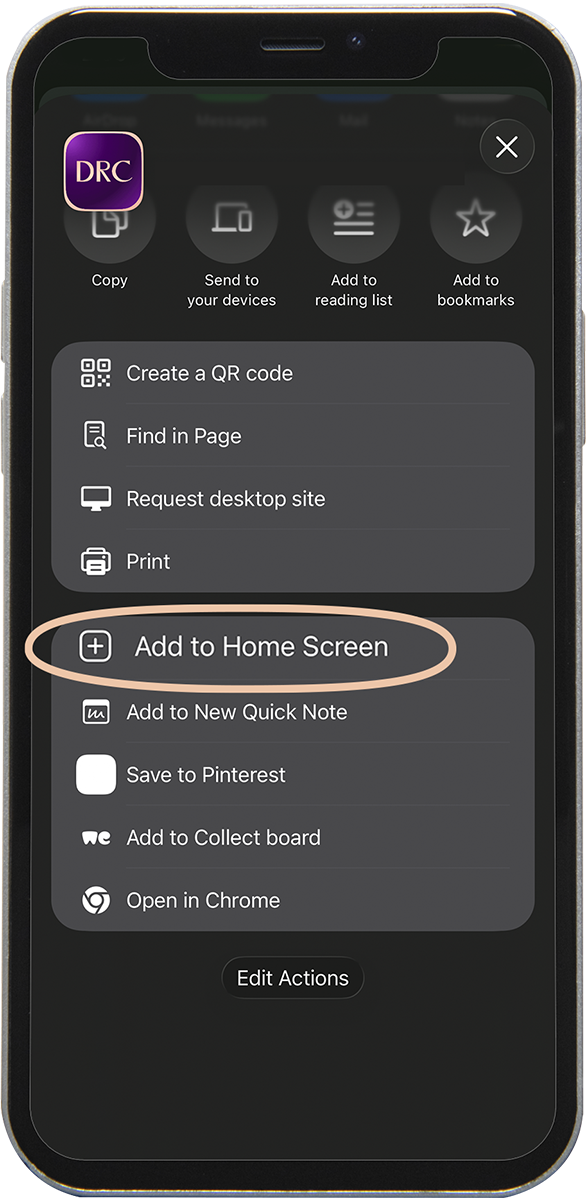
Select the ‘Add to Home Screen’ option & click on ‘Add’
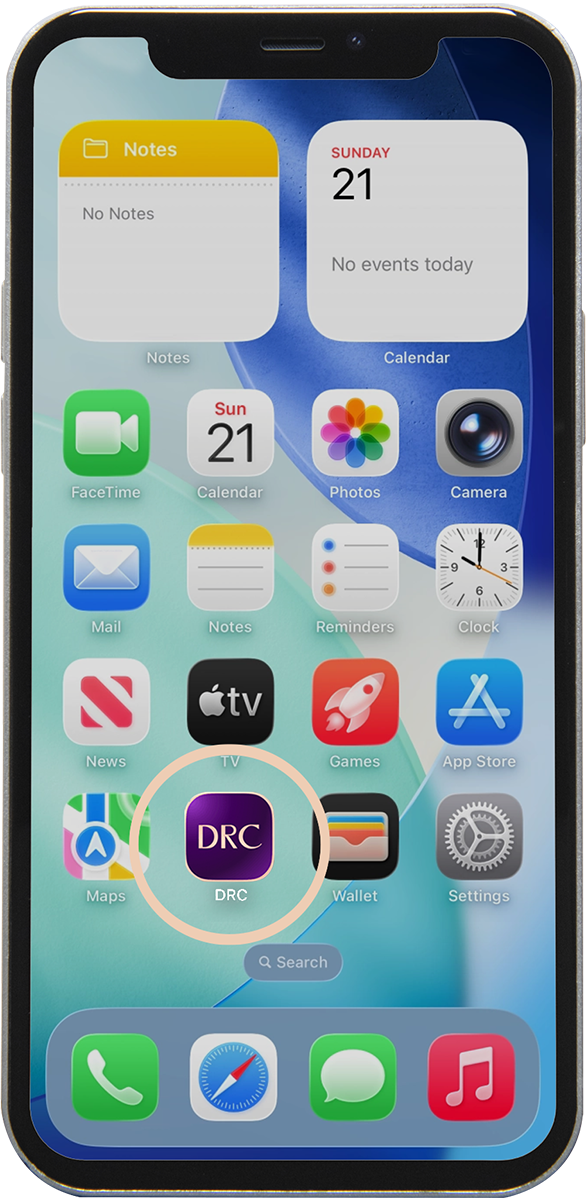
You can now access the DRC app from your Home Screen and follow the prompts to register – it’s as simple as that!